No site beats YouTube on reach, but plenty of video websites like YouTube do one thing better. Some pay creators a bigger cut, some show fewer ads, and some let you post without sweating over demonetization.
You probably have your own reason for looking around. Maybe you are a viewer who’s sick of ads every few minutes. Maybe you are a creator who got a strike and lost income overnight. Or you just want something different to watch. I went through 20 YouTube alternatives and sorted them by what each one is actually good at. I’ll also tell you where each one falls short, because every one of them does.
A few ground rules before we start. I checked prices and rules in October 2026, and they change, so look at the site before you pay anything. “Free” here means free to watch or post, not free of ads. And if you are a creator, treat most of these as a second home, not a replacement, because their audiences are small next to YouTube’s.
The 20 YouTube alternatives at a glance
Here is the whole list in one table. I explain each one right after it.
| S.No. | Site | Best for |
| 1 | Vimeo | Clean, ad-free hosting |
| 2 | Dailymotion | News & sports clips |
| 3 | Rumble | Commentary with looser rules |
| 4 | Twitch | Live streaming |
| 5 | Kick | Live streaming, bigger creator cut |
| 6 | TikTok | Short clips |
| 7 | Instagram Reels | Short video for your followers |
| 8 | Facebook Video | Groups, local & community video |
| 9 | Odysee | Crypto tips, decentralized hosting |
| 10 | PeerTube | Open-source, self-run video |
| 11 | BitChute | Niche content, light moderation |
| 12 | Nebula | Video essays with no ads |
| 13 | Uscreen | Selling your own memberships |
| 14 | TED | Expert talks |
| 15 | Internet Archive | Old films & public-domain video |
| 16 | CuriosityStream | Documentaries |
| 17 | Tubi | Free movies & TV |
| 18 | Pluto TV | Live TV-style channels |
| 19 | Vevo | Music videos |
| 20 | The Roku Channel | Free TV & movies |
Big video platforms (1 to 8)
These are the names you already know, plus a few you might not. Most are free and run on ads.
1. Vimeo
Pick Vimeo if you care how your video looks. The player is clean and ad-free, and you decide who sees what. It’s built for portfolios, courses and business video, not casual browsing.
- Pros: no ads, privacy controls, good embeds
- Cons: little organic discovery. Storage dropped on lower plans in the 2026 price change, and Vimeo On Demand is scheduled to shut down on November 20, 2026
- Cost: free tier. The Creator plan is $10 a month billed yearly
- Get it: vimeo.com, plus iOS and Android apps
Also Read – Toonly Review (2026): Features, Pricing, Pros & Cons
2. Dailymotion
Dailymotion feels like old-school YouTube. You can watch without an account, and creators can earn a share of ad revenue. It leans toward news, sports and entertainment clips.
- Pros: no sign-up to watch, ad revenue sharing, clean layout
- Cons: smaller audience, weaker analytics, earnings depend on your account and country
- Cost: free
- Get it: dailymotion.com, plus mobile apps
3. Rumble
Rumble is the biggest YouTube alternative for commentary and news. One 2026 comparison puts it near 70 million monthly users, against roughly 2.7 billion logged-in users on YouTube. Moderation is looser, and its live tipping fee is 20% versus Super Chat’s 30%.
- Pros: looser rules, lower tipping fee, simple monetization
- Cons: small audience that skews toward political talk. Reported ad earnings of about $0.50 to $3 per thousand views sit well below YouTube’s, and discovery is weak
- Cost: free. Rumble Premium is a paid ad-free tier
- Get it: rumble.com, plus mobile apps
4. Twitch
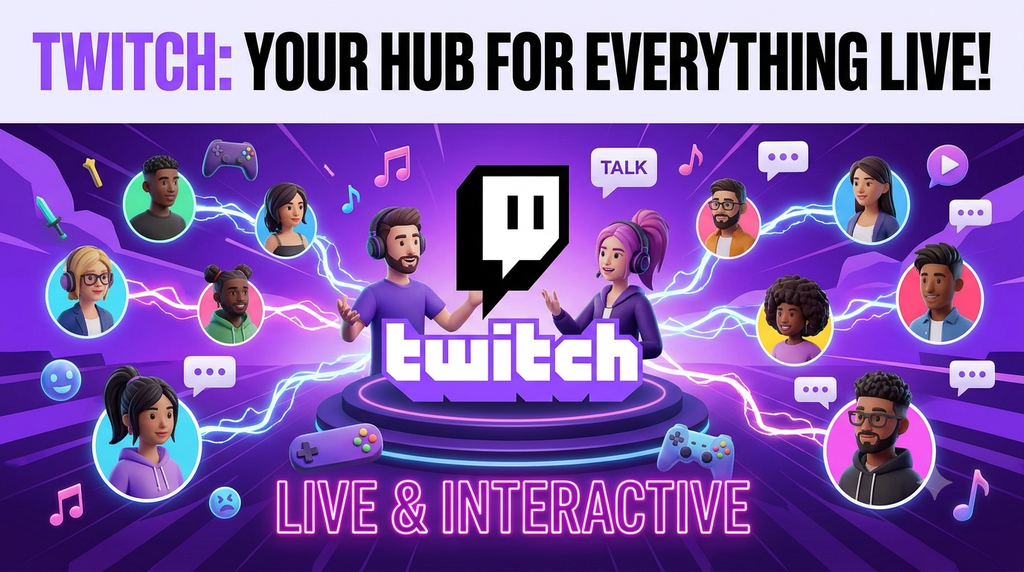
Twitch is the home of live streaming, mostly gaming but also music and talk shows. Around 2.5 to 2.8 million people are watching at any moment. It’s a poor library, though. Old streams vanish after 7 days for regular accounts, 14 for Affiliates and 60 for Partners.
- Pros: huge live audience, chat tools, tips and subscriptions
- Cons: 50/50 default subscription split, weak for videos that need to last
- Cost: free
- Get it: twitch.tv, plus mobile apps
Also Read – Best Animation Software for Beginners: Free & Easy Tools
5. Kick
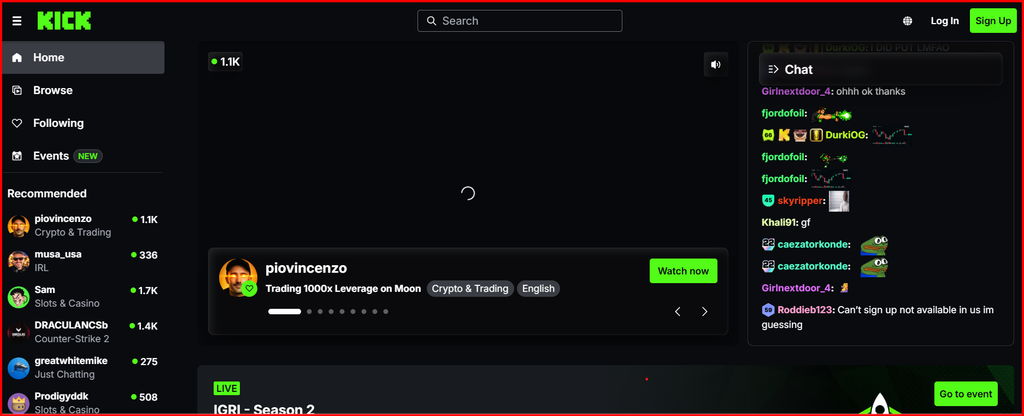
Kick is Twitch’s loud little rival. It advertises a 95/5 subscription split in the creator’s favor, with roughly 350,000 to 450,000 viewers at a time. A mid-size streamer can earn more there, but growing from zero is harder.
- Pros: 95/5 sub split, looser rules, easy to simulcast
- Cons: much smaller audience, weak discovery, gambling ties that limit some brand deals
- Cost: free
- Get it: kick.com, plus mobile apps
6. TikTok
TikTok is the fastest way to get seen with short clips. The feed can show a stranger’s video to thousands of people overnight. Long term, you own very little there.
- Pros: huge discovery, easy editing tools
- Cons: attention fades fast, payout rules change often
- Cost: free
- Get it: tiktok.com, plus mobile apps
7. Instagram Reels
Reels works best when you already have followers on Instagram. It ties into Stories, DMs & brand deals, so it suits creators who sell something. It’s not a full video library.
- Pros: built-in audience, brand collaborations
- Cons: reach depends on the algorithm, no long-form home
- Cost: free
- Get it: instagram.com, plus mobile apps
8. Facebook Video
Facebook Video does well with local, community and event content shared through Groups and Pages. You can post Reels, longer videos and live streams.
- Pros: easy sharing through Groups and Pages, live video
- Cons: tied to Facebook’s social network, reach and earnings vary
- Cost: free
- Get it: facebook.com/watch, plus the Facebook app
Creator-friendly and open options (9 to 13)
If you want to own more of what you make, or get paid by fans directly, start here.
9. Odysee
Odysee mixes regular video hosting with the LBRY blockchain. It launched in December 2020, and a company called Forward Research bought it in June 2024. Creators can take tips, memberships & paywalled videos, mostly through crypto.
- Pros: direct fan payments, livestreaming, a clean layout
- Cons: wallet setup is a hassle, crypto prices swing, audience is small
- Cost: free
- Get it: odysee.com, plus mobile apps
10. PeerTube
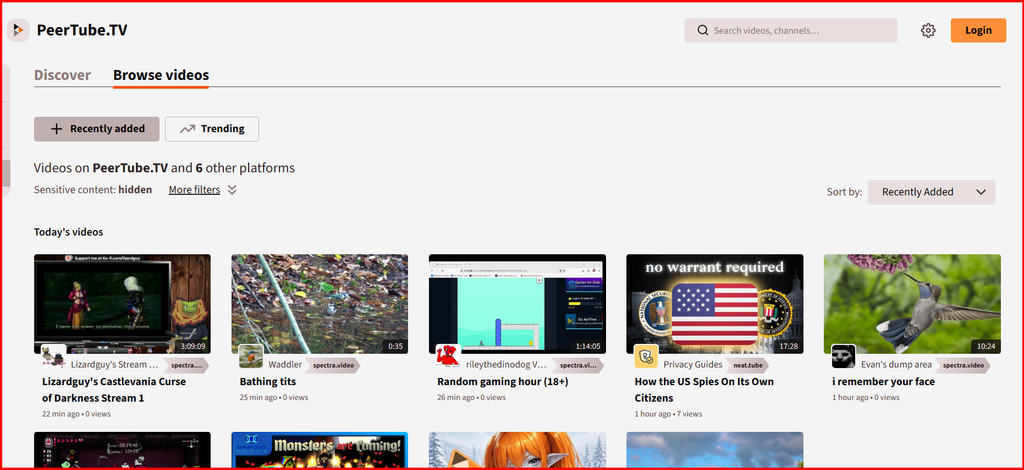
PeerTube isn’t one site. It’s open-source software that anyone can run, and the servers link up with each other. You pick a host (called an instance) or run your own. There’s no ad machine behind it and no single audience either.
- Pros: ad-free, no company controlling it, you choose your rules
- Cons: weak discovery, quality depends on the instance, no built-in way to earn money
- Cost: free, though some hosts charge
- Get it: joinpeertube.org
11. BitChute
BitChute looks a lot like early YouTube and has a reputation for light moderation. I couldn’t confirm its current features, earnings or pricing, so check the site before you commit time to it.
- Pros: familiar layout, supports long videos and niche topics
- Cons: weak discovery, inconsistent playback quality, ads unless you pay
- Cost: free to use
- Get it: bitchute.com
12. Nebula
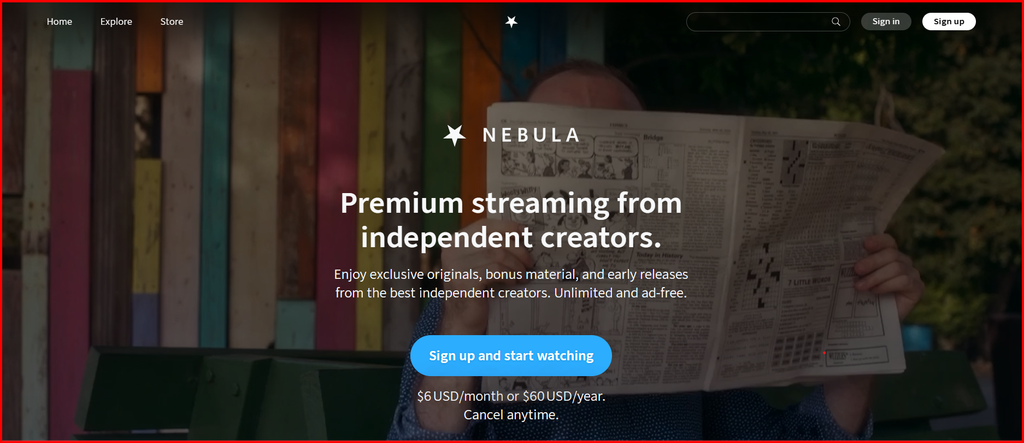
Nebula is a subscription site built by and for video essayists. You get videos and podcasts from creators who skip the clickbait, with no ads, downloads & early releases. Creators earn from subscriptions, not ad rates. The library is smaller than YouTube’s, and you can’t use it without paying.
- Pros: no ads, offline downloads, originals and early releases
- Cons: small library, subscription required
- Cost: $6 a month or $60 a year at the last price I could confirm. Some creator links knock the first year down to $36
- Get it: nebula.tv, plus iOS, Android, Roku & Fire TV apps
13. Uscreen
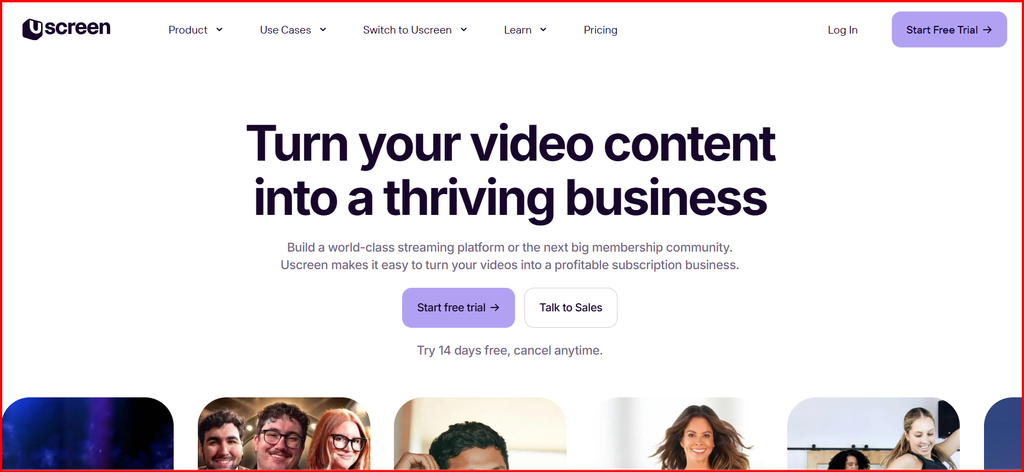
Uscreen is for creators who want to sell video memberships. You get hosting, payments, livestreams and your own branded apps. Nobody will stumble onto your videos, though, so you have to bring your own audience.
- Pros: recurring payments, branded mobile and TV apps
- Cons: no free discovery, and it costs money before you earn any
- Cost: plans start at $49 a month
- Get it: uscreen.com
For learning and free streaming (14 to 20)
These are less about posting and more about watching. Several are great if you just want free video streaming with no YouTube in the mix.
14. TED
TED is where you go for short, smart talks on science, tech & life. Quality is high and the pace is calm. It’s a small catalog next to YouTube, and you can’t upload to it.
- Pros: expert speakers, free, no rabbit holes
- Cons: limited selection, not a general video site
- Cost: free, with an optional donation-based membership
- Get it: ted.com, plus mobile apps
15. Internet Archive
The Internet Archive is a nonprofit library with a huge pile of old films, TV clips and public-domain video. It’s free to watch, and you can upload material you have the rights to. Don’t expect Netflix polish.
- Pros: free, rare and historic footage, no ads
- Cons: messy to browse, patchy quality, no way to earn money
- Cost: free
- Get it: archive.org
Also Read – Top 10 Best CGI Software for Beginners in 2026 (Free & Paid)
16. CuriosityStream
CuriosityStream is a documentary service with about 3,000 titles, roughly 900 of them exclusives. If you mostly use YouTube for science and history, this is a tidy paid replacement.
- Pros: cheap, curated, lots of devices supported
- Cons: no free trial, nothing like YouTube’s range
- Cost: $4.99 a month or $39.99 a year
- Get it: curiositystream.com, plus Roku, Fire TV, Apple TV and more
17. Tubi
Tubi is free movies and TV with ads, and a lot of people use it. Nielsen put it at 2.3% of all US TV viewing in April 2026, the best showing of any month for the service.
- Pros: free, big movie and show library, no account needed to start
- Cons: ad breaks, titles rotate in and out
- Cost: free with ads
- Get it: tubitv.com, plus TV and mobile apps
18. Pluto TV
Pluto TV works like cable. You turn it on and channels are already playing, with on-demand shows too. It’s good for background viewing.
- Pros: free, live channels, nothing to set up
- Cons: ads, less control over what plays next
- Cost: free with ads
- Get it: pluto.tv, plus TV and mobile apps
19. Vevo
Vevo is for official music videos from major labels. Many of the same videos also sit on YouTube, so it works best as a cleaner way to browse music.
- Pros: official music videos, free
- Cons: music only, ads
- Cost: free with ads
- Get it: vevo.com, plus TV and mobile apps
20. The Roku Channel
The Roku Channel is free TV and movies, and it ran slightly ahead of Tubi in that same Nielsen report, at about 3% of US TV viewing. It’s easy if you already own a Roku.
- Pros: free, simple, huge audience
- Cons: ads, built around Roku devices
- Cost: free with ads
- Get it: therokuchannel.roku.com, plus the Roku app
Free vs paid: what you will actually pay
Most of these cost nothing, but free usually means ads.
- Free, no paid tier: Dailymotion, Twitch, Kick, TikTok, Instagram Reels, Facebook Video, Odysee, PeerTube, BitChute, TED, Internet Archive
- Free with an optional paid upgrade: Vimeo (from $10 a month), Rumble (Premium, ad-free)
- Free with ads, no paid tier: Tubi, Pluto TV, Vevo, The Roku Channel
- Paid only: Nebula, CuriosityStream, Uscreen
How to choose best for yourself
Start with what you want out of it.
If you are a viewer:
- No ads: Nebula or Vimeo
- Free movies and TV: Tubi, Pluto TV or The Roku Channel
- Learning something: TED or CuriosityStream
If you are a creator:
- Live streaming: Twitch for reach, Kick for a bigger cut
- Getting paid by fans directly: Odysee, Uscreen or Nebula
- Looser content rules: Rumble
- Quick short clips: TikTok or Instagram Reels
My suggestion
Here is what I would do in your shoes.
- If you just want to watch: start with Tubi for free movies and shows. If you hate ads and can spare $6 a month, Nebula is the cleanest swap for video essays.
- If you make videos: don’t quit YouTube, because nothing else comes close on audience. Post the same videos on Rumble or Vimeo as a backup, and use Odysee or Uscreen if you want fans to pay you directly.
- If you stream live: try Twitch first if you are starting from zero. Move toward Kick once you’ve got a regular crowd, since the 95/5 split is where it wins.
Quick FAQ
Q: What’s the closest free site to YouTube?
Dailymotion and Rumble. Both let you upload and watch for free, though neither has YouTube’s reach.
Q: Can I make money on these sites?
Yes, but expect less. Rumble creators report about $0.50 to $3 per thousand views from ads alone, and Odysee, Nebula and Uscreen pay through fans and subscriptions instead.